
Why every small business needs a Google Business Profile
Nov 03, 2026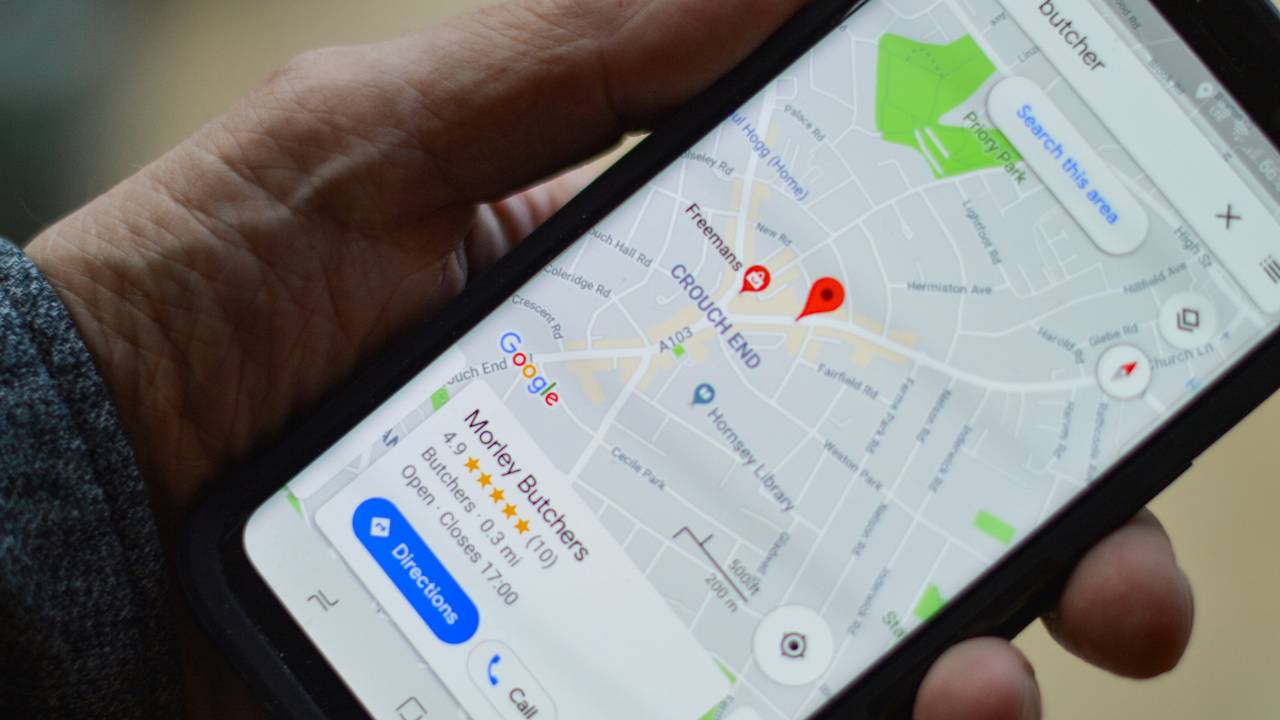
By Rachel
If you run a local business and you don't have a Google Business Profile, you're missing out on one of the most valuable free marketing tools available.
A Google Business Profile is the panel that appears on the right of Google search results, or near the top on a phone, when someone searches for a business. It shows your name, location, opening hours, phone number, photos and reviews. It's also what puts you on Google Maps.
We've already written a step-by-step guide to setting up your Google Business Profile. In this post I want to step back and look at why it's worth doing in the first place.
1. Get found in local search
Think about how you look for a local business yourself. You probably type something like "electrician near me" or "cafe in Woking" into Google.
For searches like these, Google usually shows a block of local businesses with a map, above the ordinary website results. Those businesses are pulled from Google Business Profiles. Without one, you're unlikely to appear there at all, however good your website is.
This matters even more for small businesses. You may not be able to outrank big national companies with your website, but in local results you're competing with the businesses down the road, not the whole country.
2. Be on the map, literally
More and more people search directly in Google Maps, especially on their phones when they're out and about. They might be looking for somewhere to eat, a shop that's open now, or a tradesperson nearby.
Your Google Business Profile is what puts your business on that map. People can see where you are, get directions in one tap, call you straight from the listing, or check how long it will take to reach you.
If you don't have a shop or office that customers visit, such as a mobile hairdresser or a plumber, you can still have a profile. You simply set a service area instead of showing your address.
3. Collect and respond to reviews
Reviews are one of the first things people look at when choosing between local businesses. A healthy number of recent, positive reviews builds trust before a customer has even spoken to you.
Your Google Business Profile is where those reviews live. A few tips for making the most of them:
- Ask for them. Happy customers are usually glad to leave a review, but most won't think to unless you ask. Google gives you a short link you can send by email, text or WhatsApp.
- Reply to every review. A quick thank-you for positive reviews shows you value your customers.
- Handle negative reviews calmly. Respond politely and professionally, and offer to put things right. Future customers will judge you more on how you respond than on the complaint itself.
Responding to reviews also shows Google, and potential customers, that your business is active and cares about its reputation.
4. Share updates, offers and events
Many business owners don't realise you can post updates directly to your Google Business Profile, a bit like a mini social media feed.
You could share:
- News, such as a new product, service or team member
- Special offers or seasonal promotions
- Upcoming events, workshops or open days
- Photos of recent work
These posts appear on your profile when people find you on Google, so they reach customers at the very moment they're looking for a business like yours. Regular posts and fresh photos also make your profile look active and cared for.
5. Keep your opening hours and contact details accurate
There's nothing more frustrating for a customer than turning up to find a business closed when Google said it was open, or ringing a number that no longer works.
Your Google Business Profile lets you control this information yourself:
- Update your regular opening hours
- Add special hours for bank holidays, Christmas or holidays
- Keep your phone number, website and address up to date
- Mark the business as temporarily closed if you need to
If you don't claim and manage your profile, Google may still show information about your business gathered from elsewhere, and it may be out of date. Taking control means customers always see the right details.
6. And it's completely free
All of this costs nothing. There's no subscription and no charge to be listed. The only investment is a little of your time to set it up and keep it updated.
For a small business on a tight budget, it's hard to think of a better return on 30 minutes of effort.
Ready to get started?
If you haven't set up your profile yet, or you've set one up but never really looked after it, our step-by-step guide to setting up a Google Business Profile walks you through it.
And if you'd like help getting more customers from Google, join one of our free monthly webinars, including our Free SEO session. See all our upcoming training events.
Struggling to implement these strategies in your own business? You're not alone. Join our training webinars designed specifically for small and medium businesses ready to take their digital marketing to the next level. View our complete list of upcoming topics and training sessions.
