Steve is a developer and has been building and working on WordPress sites for more than 20 years, so there isn't much on an inherited site he hasn't seen before. Lorna is a marketing person who learned WordPress the hard way, by working it out for herself, and she is regularly handed client sites she knows nothing about and asked to change something on them. Years of staring at an unfamiliar site wondering why changing a telephone number has turned out to be so complicated gave her a structured way of getting to grips with a site she didn't build, and that method is what this webinar is built on. She has been exactly where you are, she knows what it feels like, and she knows how to get out of it.
Making sense of a WordPress site you've inherited
Find out what’s on it, what it all does and what you can safely change, and leave with the handover document nobody gave you
This is a one hour webinar for anyone who has taken over a WordPress site that someone else built. If you’ve been handed a site along with a job, or your developer has moved on, or the person who built it was the owner’s nephew in 2019, you’ll recognise the feeling: twenty plugins you don’t understand, custom code you daren’t touch, and no idea where the backups are.
We go through the site section by section and by the end you’ll have a first draft of the handover document that should have come with it: what it’s built from, what every plugin does, where things live, who has access, and what’s safe to change.
It's run by the three of us at Awesome Tech Training. More than 6,000 people have come on our webinars and we have more than 220 5* reviews.
Choose your dateWho is this webinar for?
This webinar is for you if you look after a WordPress site for a small business and:
✅ You inherited the site with the job and nobody showed you how it works
✅ The developer who built it isn’t around any more, or takes weeks to answer
✅ You’re paying for small changes you suspect you could make yourself, but you’re afraid of breaking something
✅ There are plugins on the site you don’t recognise and you don’t know which ones matter
✅ You’ve been asked to “just look after the website” on top of everything else you do
✅ You’ve been on our free getting started with WordPress webinar and you already have a site
It's probably not the right fit if you're building a personal blog or a site for a hobby. The webinar is aimed at people using WordPress for a business.
What you'll leave with
During the hour we'll show you how to put together a handover document for your site. It will record the hosting company and the domain registrar, who has admin access, the WordPress version and theme, which editor or page builder the pages use, where the custom code is and what it does, a table of every plugin and what it’s for, where contact form entries go and who gets the alerts, and the list of what’s safe to change and what isn’t, what you should be able to do yourself and what you'll probably need a developer for.
Choose your dateWhy we're the right people to help you
What we'll cover in the hour
✅ The three things to put in place first so that you can’t break the site: a backup, a staging copy and a way of copying pages
✅ The small number of things that can actually break a WordPress site, so you know what to be careful of and what not to worry about
✅ How to get in, reset a password, see who else has admin access and remove people who shouldn’t have it
✅ How to find out where the site is hosted and where the domain is registered, and what to do if nobody knows
✅ How to tell what the site is built from: the theme, whether there’s a child theme, and whether the pages use the block editor or a page builder
✅ Where custom code hides on a WordPress site, and how to have AI explain what it does in plain English without changing a line of it
✅ How to turn a list of twenty plugins into a table that says what each one does, what breaks if it’s turned off and whether anything else does the same job
✅ Where contact form entries go, who gets the alerts, and how to check the site is doing its job
✅ How to have AI draft the handover document from your notes - where AI can help you and where you need to be cautious
You'll also get access to the recording of this webinar and a copy of the slides, so you can go back over anything you want to see again.
Bring your questions
You'll be able to submit questions to us throughout the webinar and there's also time for live Q&A at the end. All three of us will stay on the line at the end of the hour and answer any questions that you might have, so bring whatever you're stuck on and we'll do our best to help you.
How the webinar works
The webinar is an hour of content with the Q&A on top of that. All three of us are on every webinar: one of us presents while the other two answer your questions in the chat, and we all stay on at the end. If something on your own site is baffling you, bring it. Everyone who books gets the recording, the slides and the handover document template to keep.
If you buy the on demand version you get the recording of the last time we ran it live, including the questions people asked as its own section. You can ask your own in the comments under the webinar and one of us will answer within two working days, and you’re invited to the next live run free of charge.
Choose your date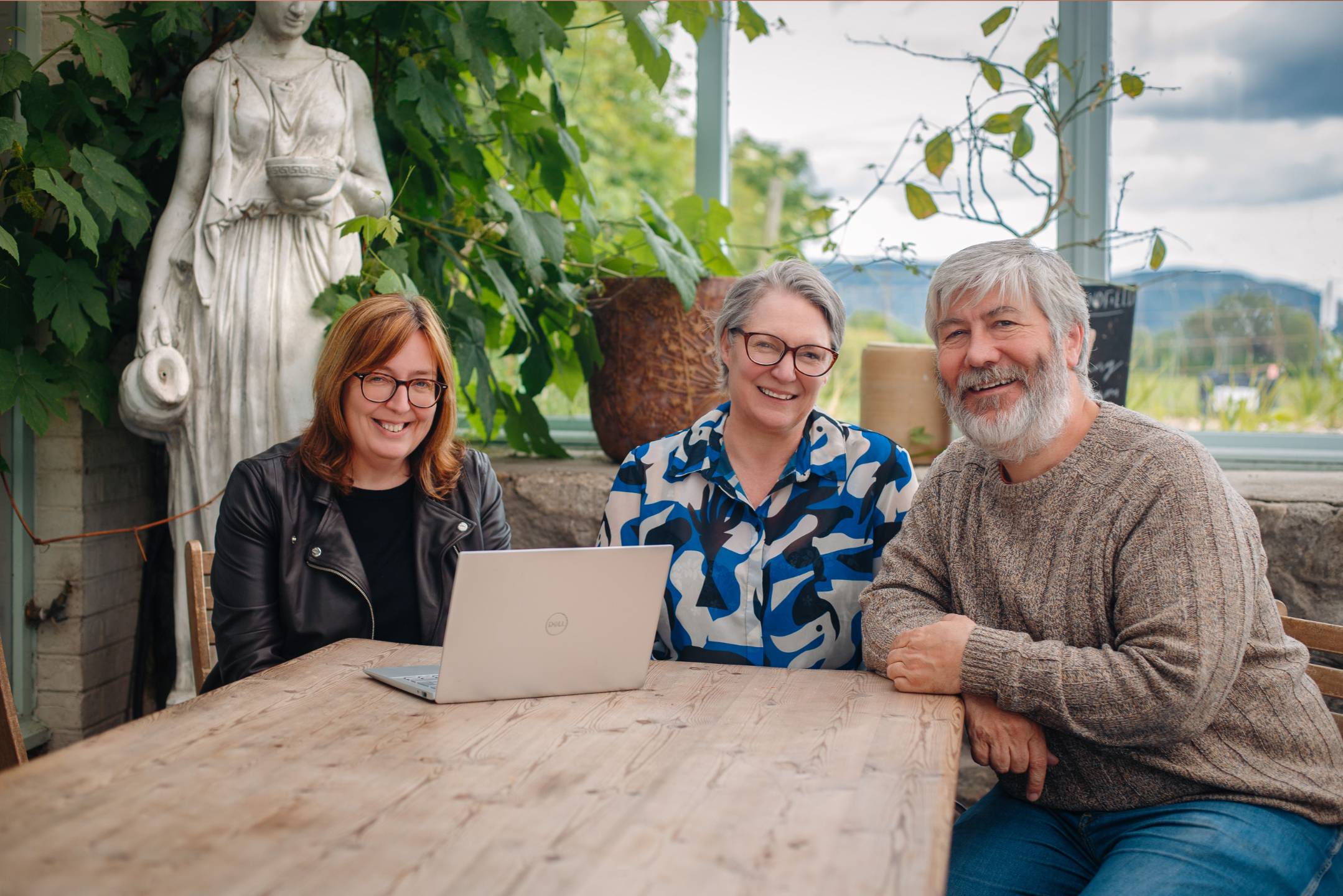
What happens after the webinar?
Once you understand the site, the three things most people want to do next are make it faster, make it more secure and make it easier to find on Google. Those are our speed, security and search webinars, and attendees get them as a bundle at a special price afterwards.
Everyone who buys a webinar can book a free half hour clinic with one of us, which is a good place to bring your handover document. And if you’d rather we wrote the document for you, or looked after the site altogether, we do both and we’re happy to talk about it.
Choose your dateI'm not technical at all - will I be able to follow along?
What if I can't attend any of the live dates?
My site was built in Elementor or Divi. Is this still relevant?
Will I be able to ask questions during the webinar?
What if I don't have an admin login for the site?
What if my WordPress site is different from what you show?
What if I break something on my site?
How long is the webinar?
What if I can't make any of the dates?
What previous attendees say about our webinars
Book your place, just £36
The handover document nobody left you, written in an hour.
What if you can't make these dates?
Choose the on demand option and you’ll get immediate access to the recording of the last time we ran it live, or book any date and we’ll send you the recording and slides after it runs.
Choose your date